
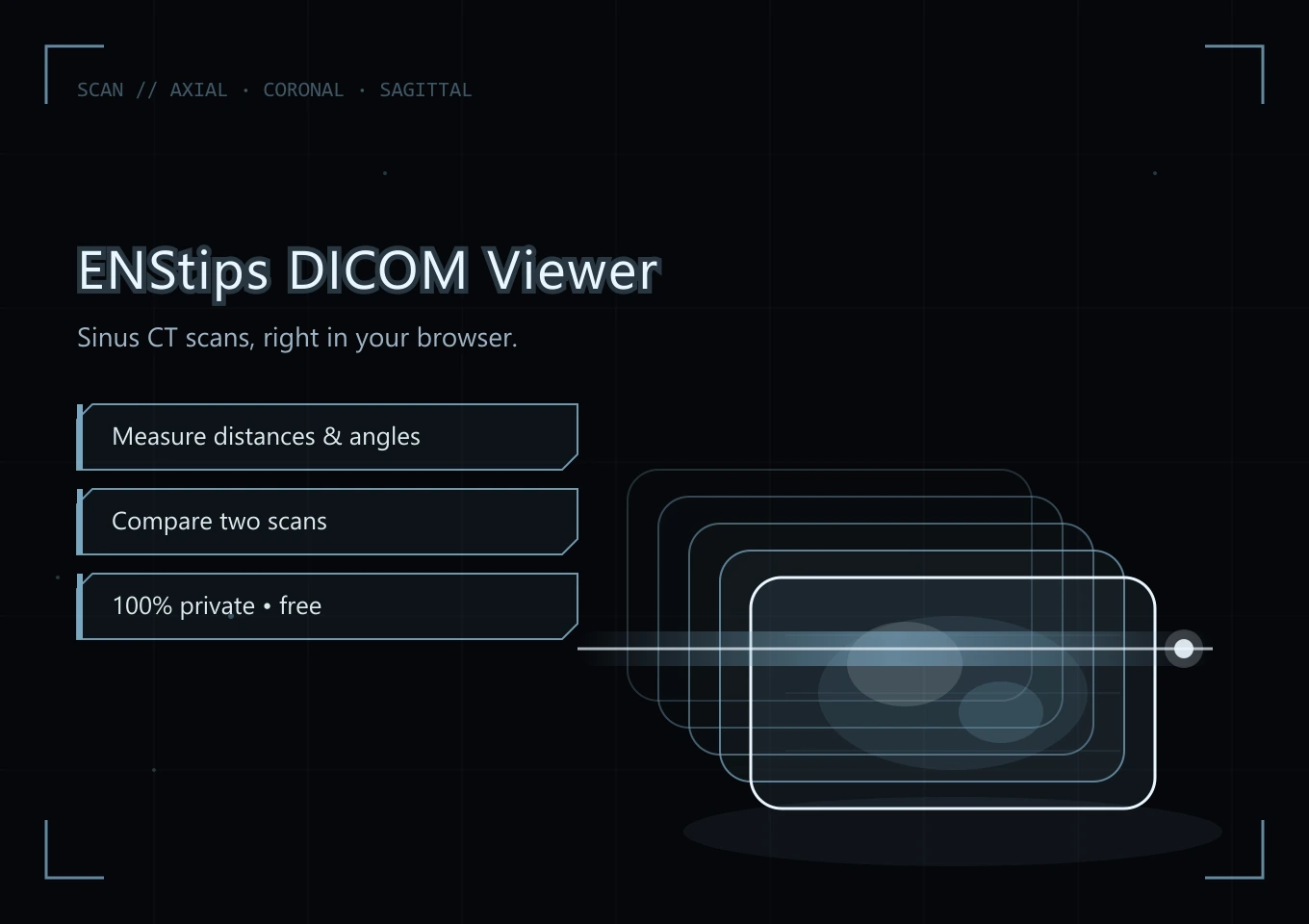
See your sinus CT scan, right in your browser. Browse it slice by slice, measure it, compare two scans, with nothing to install.
Your CT scan never leaves your computer
Your images are read and displayed only on your computer. No file is sent over the internet or kept by this site.
- Read locally
- Nothing uploaded
- No account
What you can do
Three planes
Axial, coronal and sagittal views, to follow the nasal cavity from every side.
Bone and soft tissue
Presets for bone / sinus and soft tissue, automatic contrast and black / white inversion.
Measure
Measure distances and angles directly on the slices, and add your own notes.
Air lasso
Draw around the air on a slice to get its area in mm², the “emptiness” of the nasal cavity.
Compare two scans
Open two CT scans side by side, for example before and after a surgery.
Save and share
Save an image (JPG) or export a video of the slices, to show your doctor or the community.
How it works
- 1
Get your CT scan
The complete folder of your scan: on the CD / DVD, a USB key, or the ZIP download from your radiology center.
- 2
Drop it in the viewer
Drag and drop the folder, or choose a folder or a ZIP file. A quick guide shows you the tools.
- 3
Browse and measure
Scroll through the slices, switch planes and presets, measure, compare.
Questions
Is my CT scan sent anywhere?
No. Your images are read and displayed only on your computer. No file is sent over the internet or kept by this site.
Which files can I open?
The DICOM files of your CT scan: the complete folder from the CD / DVD or USB key, or the ZIP file given by your radiology center.
Is it really free?
Yes, free and without sign-up.
Can it replace my radiologist?
No. It is a viewer to look at your own scan, not a diagnostic tool. Only a doctor can interpret your CT scan.
See how the air flows through your own nose
From the same CT scan, I can run an airflow simulation of your nasal cavity and write you a report.
This tool is free. If you find ENS Tips useful, please consider donating a little. Even $1 can help me.